Laptop Screen Replacement in Charleston, WV: Is It the Screen, and Is It Worth Fixing?
A laptop screen problem is hard to ignore. Maybe it slipped off the couch, got closed on a pen, or one day just started flickering. Whatever happened, the next question is the same: is it the screen, and is it worth fixing?
At Computers Plus, we replace screens on Windows laptops and MacBooks right here in Charleston. Here’s how to tell what you’re dealing with, what to expect, and how to decide whether a repair makes sense.
Signs it’s probably the screen
These usually point to the display panel itself:
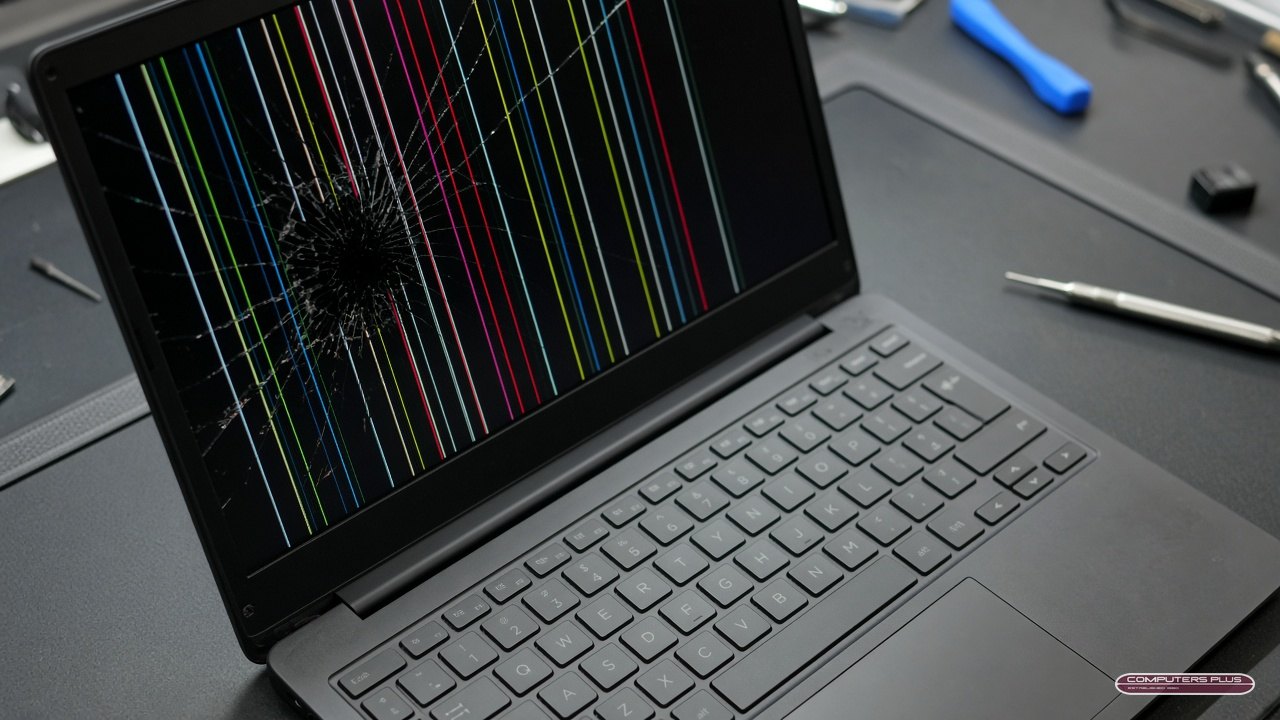
- Visible cracks or a “spiderweb” pattern, even if part of the picture still shows.
- Black or purple ink-like blotches that spread over time.
- Colored lines (vertical or horizontal) that stay in the same place no matter what’s on screen.
- Dead areas where part of the screen shows nothing, or pressure marks that look like bruises.
- Touch stops working on a touchscreen laptop, especially after a drop.
Signs it might be something else
Not every display problem is the screen. A few quick checks can help:
Try an external monitor or TV. Connect your laptop to an external display with the right cable. If the picture looks normal there, the computer is working and the problem is in the laptop’s screen or the cable that connects it. If the external display is also blank or garbled, the problem may be deeper, like the graphics or the motherboard.
Wiggle the lid gently. If the picture flickers, cuts out or changes when you move the screen back and forth, the display cable or hinge area may be the culprit rather than the panel itself.
Look closely at a “black” screen with a flashlight. If you can faintly see your desktop or icons when you shine a light on the screen, the backlight may have failed, not the whole panel.
Listen and look for signs of life. Keyboard lights, fan noise or startup sounds with a black screen mean the laptop is powering on. No lights and no sound at all is more likely a power or charging issue, which is a different repair. If it’s a MacBook that won’t power on, our post on what to try when a MacBook won’t turn on walks through the basics.
Whatever you find, write it down. It helps us diagnose faster.
What to expect from a laptop screen replacement
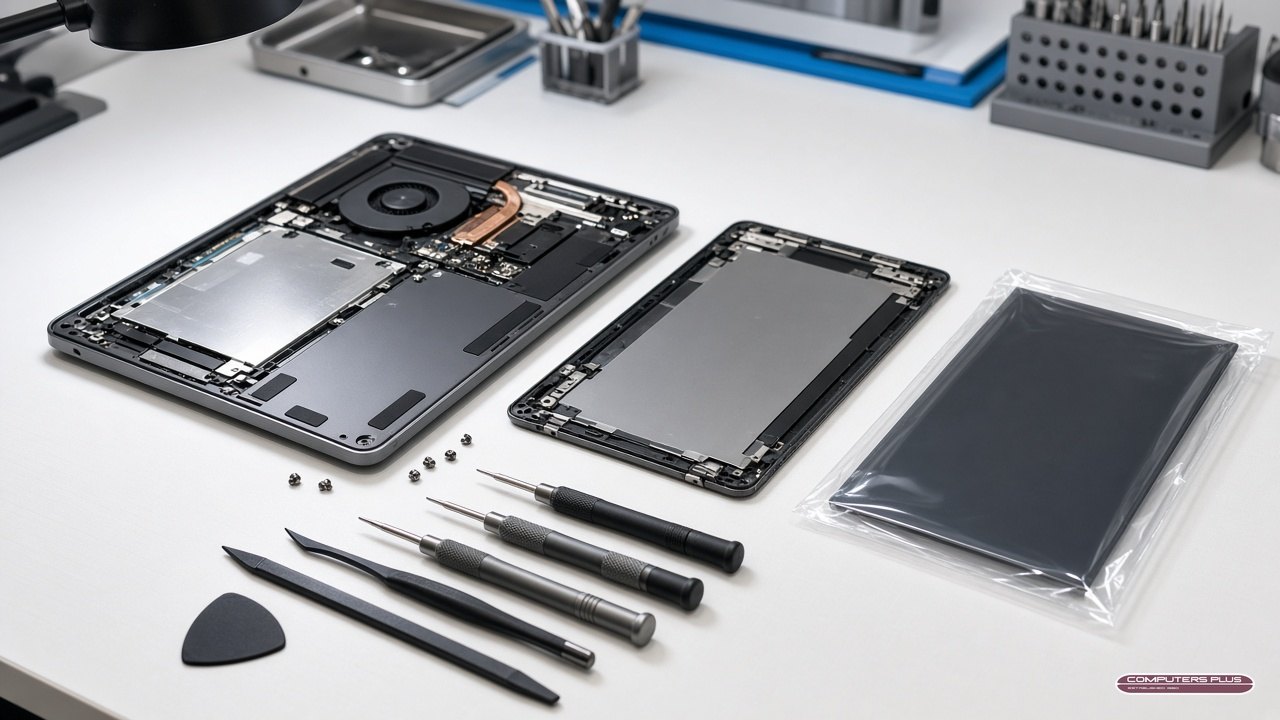
It starts with a diagnosis and a quote. Bring the laptop to our store at 301 RHL Boulevard Suite 2, Monday through Friday, 9 AM to 5 PM. We’ll confirm what’s wrong and give you a quote. No repair work is performed until you approve the quoted price.
Pricing depends on the laptop. For Windows laptops, our pricing page lists PC screen replacement starting at $209, and starting at $299 for touchscreen models. MacBook screen repairs vary by model, and the starting price for each model is on the same pricing page. Prices are subject to change, and final pricing is set after diagnosis.
Timing. Most repairs are completed within 3–5 business days after diagnostic approval and parts availability. Some screens are special-order parts, which can take longer.
MacBooks get Apple Authorized service. We’re an Apple Authorized Service Provider, so MacBook screen repairs are handled the way Apple intends. Learn more on our Mac repair page. If your MacBook is covered by AppleCare+, we handle that in store too. See AppleCare+ repairs in Charleston.
When repair beats replacing
There’s no one-size-fits-all answer, but here’s how we’d think about it:
Repair usually makes sense when:
- The rest of the laptop runs well and does what you need.
- The screen is the only problem (no liquid damage, no other cracked parts).
- Setting up a new computer would cost you time, money or hassle you’d rather avoid.
- It’s a MacBook or a laptop you otherwise like and expect to keep.
Replacing may make more sense when:
- The laptop was already slow or struggling before the screen broke.
- There’s other damage too, like liquid, a bent frame or a failing battery, that would add up.
- The repair quote is close to what you’d spend on a replacement you’d be happier with.
We’ll give you the quote and an honest picture of the laptop’s condition, and you make the call. Nothing happens until you approve it.
Before you drop it off
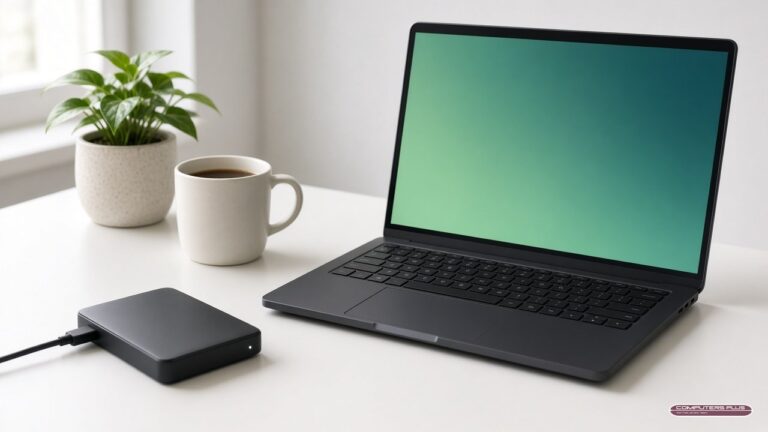
- Back up your files if the laptop still works with an external monitor. We take every reasonable precaution, but we cannot guarantee that data will be preserved during diagnosis or repair. We don’t copy or keep your data, and we don’t offer data recovery, so a fresh backup is the best protection.
- Bring the charger.
- For a MacBook: turn off Find My or turn on Ready for Repair or Trade In, depending on your macOS version. Our prep guide shows how, including what to do if the screen is too broken to use.
- Know your login password, so we can check that everything works after the repair.
Bring it by
Cracked or not, a screen problem is one of the more common repairs we see. For Windows laptops, start with our PC & laptop repair page. For MacBooks, see Mac repair. Or just bring it in during store hours. Questions first? Call 304.744.1832.