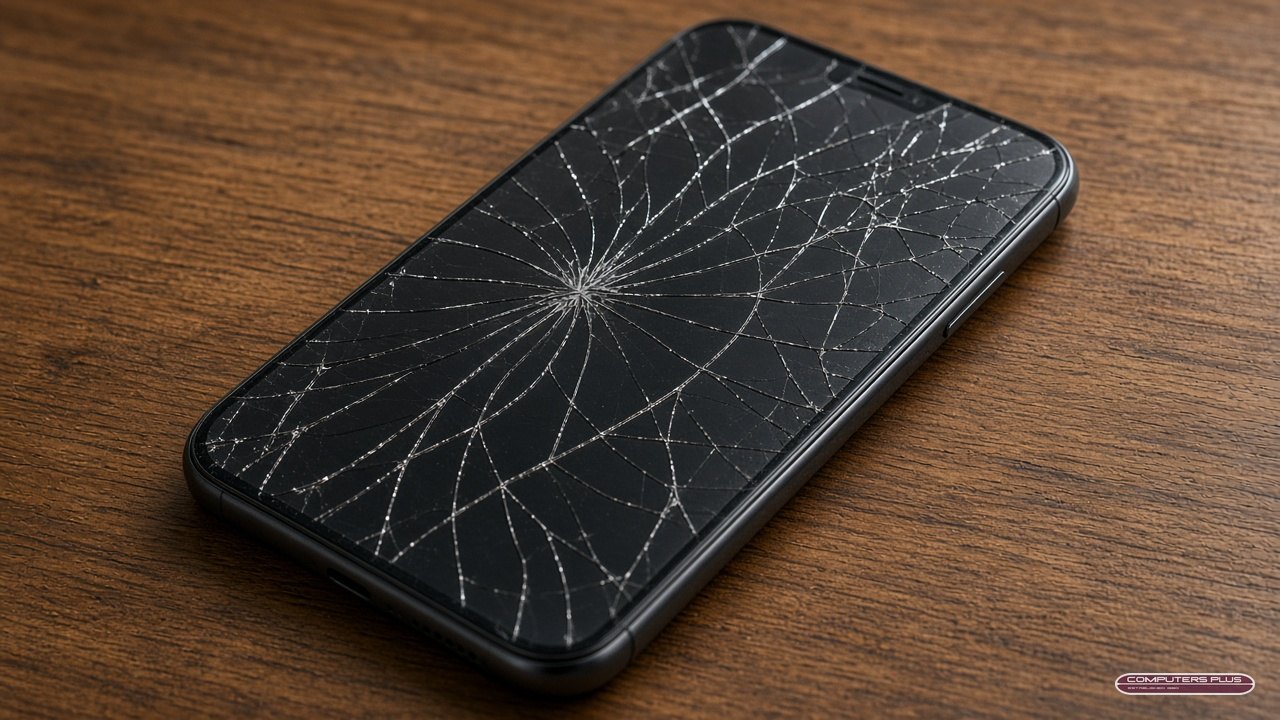
iPhone Battery or Screen: What to Fix First (and How to Check Battery Health)
It happens to a lot of us. Your iPhone has a crack across the screen you’ve been living with for months, and now the battery barely makes it to lunch. If you can only fix one thing right now, which should it be?
At Computers Plus, we’re an Apple Authorized Service Provider in Charleston, and iPhone screens and batteries are some of the most common repairs we do. Here’s how to think it through.
Start by checking your battery health
Your iPhone can tell you a lot about its battery. According to Apple Support:
- On iPhone 15 and later: open Settings, tap Battery, then tap Battery Health.
- On iPhone 14 and earlier: open Settings, tap Battery, then tap Battery Health & Charging.
You’ll see your battery’s maximum capacity, which Apple describes as the battery’s capacity compared to when it was new. On iPhone 15 models and later, Apple says you can also see the cycle count, when the battery was manufactured and when it was first used (Apple Support).
Apple says that if you see Service next to Battery Health, you should consider replacing the battery to restore full performance and capacity (Apple Support).
For a sense of what’s normal: Apple says batteries in iPhone 14 models and earlier are designed to keep 80 percent of their original capacity at 500 complete charge cycles under ideal conditions, and iPhone 15 batteries at 1,000 cycles (Apple Support). Every battery ages differently depending on how it’s used and charged.
Battery or screen: which first?
Fix the screen first if:
- The glass is shattered enough to cut a finger or let dust and moisture in.
- Touch is unreliable, or part of the display is black, flickering or showing lines.
- The crack is spreading or getting in the way of using the phone.
A badly cracked screen isn’t just cosmetic. Glass shards and an open crack can make things worse over time, and a screen that doesn’t respond to touch can make the phone hard to use in an emergency.
Fix the battery first if:
- The screen has a small crack that doesn’t affect touch or the picture.
- Your iPhone shows Service next to Battery Health, or the battery can’t get you through a normal day.
- The phone shuts down unexpectedly, especially in the cold or under load.
A swollen battery comes first, always. If the screen is lifting away from the frame, or the phone looks like it’s bulging, stop charging it and bring it in. That’s a safety issue, not a convenience one.
Doing both? Our pricing page lists iPhone screen repairs ($149–$399) and battery repairs ($69–$119) by model, so you can see exactly what your model costs. Prices are subject to change, and final pricing is set after diagnosis.
Why genuine Apple parts matter
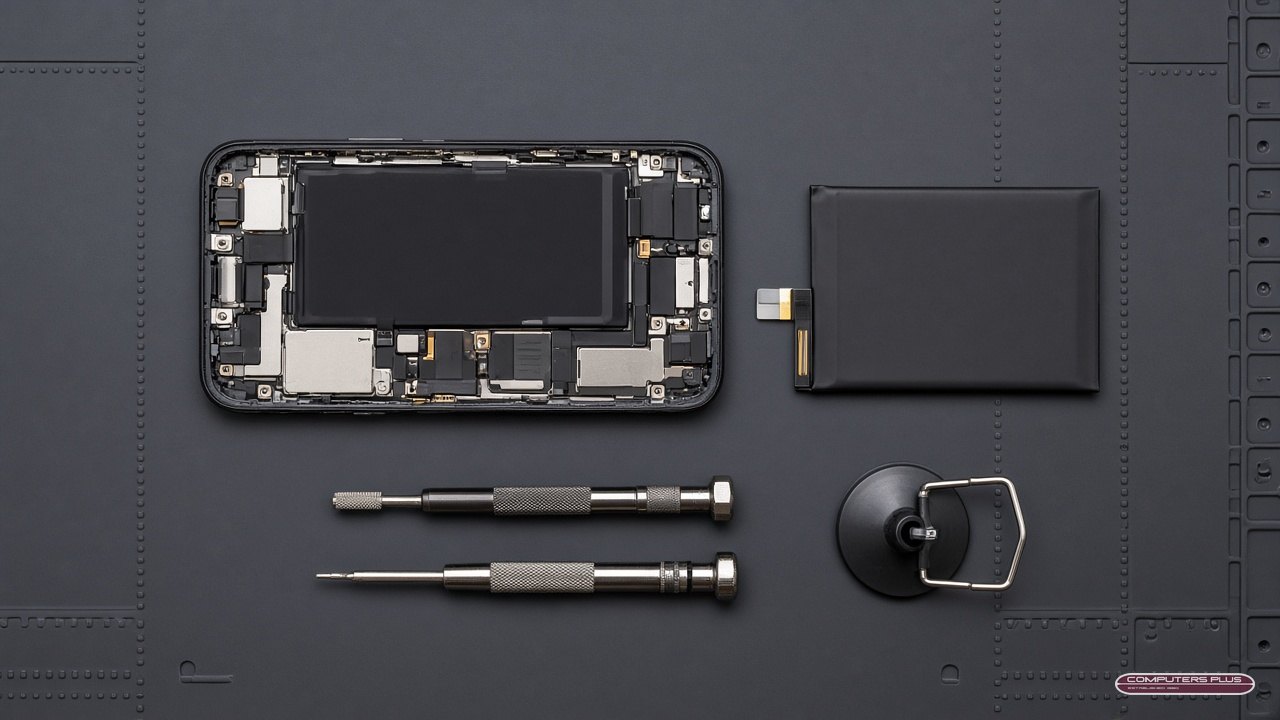
Not every replacement screen or battery is the same. Apple’s support pages explain why it cares about genuine parts.
Genuine parts are calibrated to your iPhone. Apple says genuine Apple parts are individually calibrated with data stored at the time of manufacture, and that calibration helps parts meet performance, security, privacy and safety expectations (Apple Support).
Your iPhone keeps a record. On iOS 15.2 and later, you can go to Settings > General > About. If your iPhone has been repaired, you’ll see a Parts and Service History section. “Genuine” means the repair used genuine Apple parts and processes. “Unknown” can show up if a part isn’t genuine, isn’t working as expected, or couldn’t be verified, and Apple notes that an Unknown part might affect your phone’s trade-in value (Apple Support).
Batteries are a safety item. Apple’s page on genuine iPhone batteries explains how the battery shows up in Parts and Service History. Apple’s iPhone User Guide also says the iPhone battery should be serviced or recycled by Apple or an Apple Authorized Service Provider (Apple Support).
Who to trust with the repair. For most people, Apple says the safest and most reliable option is a professional repair provider with certified technicians who use genuine Apple parts, including Apple and Apple Authorized Service Providers (Apple Support). That’s us. And if your iPhone has AppleCare+, we handle AppleCare+ repairs in store too. Read more in AppleCare+ repairs in Charleston.
Before you bring your iPhone in
- Back it up to iCloud or your computer.
- Turn on Ready for Repair or Trade In (iOS 27 or later) or turn off Find My (iOS 26 or earlier). Our step-by-step prep guide shows you how, including what to do if the screen is too broken to use.
- Know your passcode and Apple Account password, but don’t share them. If they’re needed for software support, you’ll enter them yourself.
- Bring your receipt if you have it (some repairs might require proof of purchase) and a photo ID.
Drop it off in Charleston
All repairs are handled in store, so just bring your iPhone to 301 RHL Boulevard Suite 2, Charleston, WV 25309, Monday through Friday, 9 AM to 5 PM. We’ll diagnose it and give you a quote, and no repair work is performed until you approve the quoted price. Most repairs are completed within 3–5 business days after diagnostic approval and parts availability.
Learn more on our iPhone & iPad repair page, or call us at 304.744.1832 with questions.