Virus or Malware on Your Windows PC? Warning Signs and What to Do Before You Drop It Off
Most people don’t find out their computer has a virus from a big flashing warning. It’s usually something smaller. The PC gets slow for no reason, pop-ups show up where they never used to, or your web browser has a new home page you didn’t pick.
Computers Plus has been doing in-store software repair in Charleston since the early days of the internet, back when viruses and malware first became part of everyday computing. We still remove viruses and malware from Windows PCs and laptops today. Here are the signs we see most often, and what you can do before you bring your computer in.
Common warning signs
Any one of these can have a perfectly innocent cause. But if you’re seeing several at once, it’s worth taking seriously.
- Pop-ups everywhere. Ads that appear even when your browser is closed, or warnings that your computer is “infected” and you need to call a number right away.
- Your browser changed on its own. A new home page, a new search engine, or toolbars and extensions you don’t remember installing.
- Sudden slowness. The PC takes much longer to start, programs freeze, or the fan runs hard even when you’re not doing much.
- Programs you didn’t install. New icons on the desktop or new entries in your list of apps.
- Your security software is turned off, and you didn’t turn it off.
- Friends get strange messages from you. Emails or social media messages you never sent can mean an account, or the computer itself, has been compromised.
- Files you can’t open. If files suddenly won’t open, or you see a message demanding payment to unlock them, stop using the computer and get help.
A word about “tech support” pop-ups
One of the most common scams we hear about is a pop-up or phone call claiming to be from a big tech company, saying your computer is infected. They’ll ask you to call a number, install a program, or let them connect to your PC remotely. Don’t do it. Close the browser (or restart the computer if you can’t), and don’t give anyone remote access or payment information. If you already let someone in, change your important passwords from a different device you trust, and bring the computer in.
What to do right away
If you think something’s wrong, a few calm steps can keep it from getting worse:
- Disconnect from the internet. Turn off Wi-Fi or unplug the network cable. This can stop malware from sending information out or downloading more junk.
- Run a scan with Windows Security. Windows 10 and 11 include the Windows Security app with Microsoft Defender Antivirus. Microsoft’s instructions: open Windows Security from the Start menu, then choose Virus & threat protection > Quick scan (Microsoft Support). If the quick scan doesn’t find anything but you’re still worried, Microsoft suggests a more thorough scan.
- Don’t enter passwords or banking information on that computer until it’s checked out.
- Change passwords from a different device. Start with your email, then banking and anything else important.
- Write down what you noticed. When did it start? Did you install something, open an attachment, or click a link right before? That helps the technician narrow it down faster.
Before you drop it off
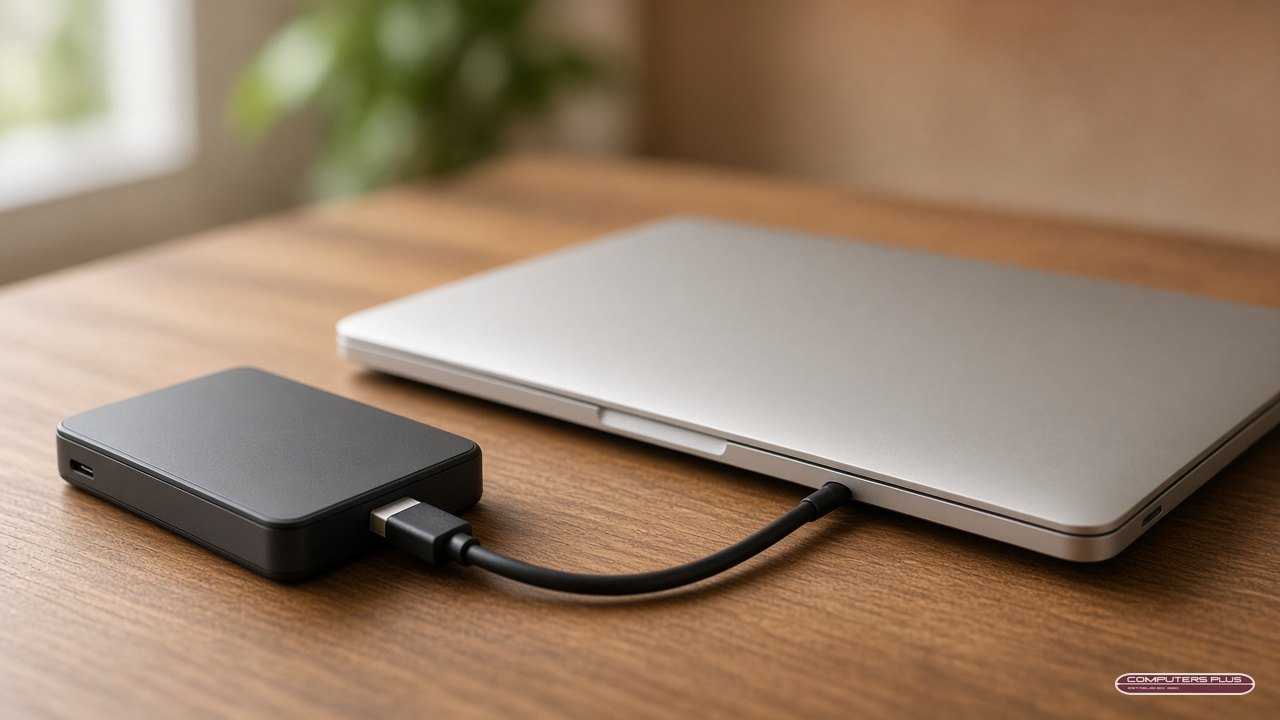
Back up what matters, if you can do it safely. Copy important documents and photos to an external drive or cloud storage you trust. We take every reasonable precaution, but we cannot guarantee that data will be preserved during diagnosis or repair. We don’t copy or keep your files, and we don’t offer data recovery, so a backup you make yourself is the best protection.
Bring the power cord. For a laptop, bring the charger. For a desktop, we only need the tower itself, plus the power cable.
Know your Windows login. The technician may need to sign in to check the system and confirm everything works after the repair.
Tell us about anything unusual, like the pop-up message you saw, a program you were asked to install, or someone who connected remotely.
What happens at Computers Plus
All repairs are handled in store, so there’s nothing to schedule. Just bring your PC to 301 RHL Boulevard Suite 2, Charleston, WV 25309, Monday through Friday, 9 AM to 5 PM.
We’ll diagnose the problem and give you a quote. No repair work is performed until you approve the quoted price. Virus removal is $159 in store, and you can see all of our current prices on our pricing page. You can also read more about everything we fix on our PC & laptop repair page. Most repairs are completed within 3–5 business days after diagnostic approval and parts availability. Some advanced repairs take longer.
Once your computer is back, keep Windows and your apps up to date, keep Windows Security turned on, and be careful with unexpected attachments and “urgent” pop-ups. Those habits go a long way.
Not sure if it’s a virus?
Sometimes a slow PC is just an old drive, a full disk or too many programs starting at once. That’s fine too. We’ll figure out what’s really going on. If you’ve got questions before you come in, call us at 304.744.1832.