PlayStation Repair in Charleston, WV: PS4 and PS5 No Picture, HDMI Port and Overheating Problems
Whether it’s a PS4 that’s been in the family for years or a PS5 that’s getting a workout, a PlayStation that won’t show a picture or keeps shutting down puts a quick end to game night. The good news is that a lot of PlayStation problems trace back to a few common causes.
At Computers Plus, we repair PlayStation and Xbox consoles here in Charleston. Here’s what we see most, what to try at home, and what to expect when you bring yours in.
Problem 1: Power on, but no picture
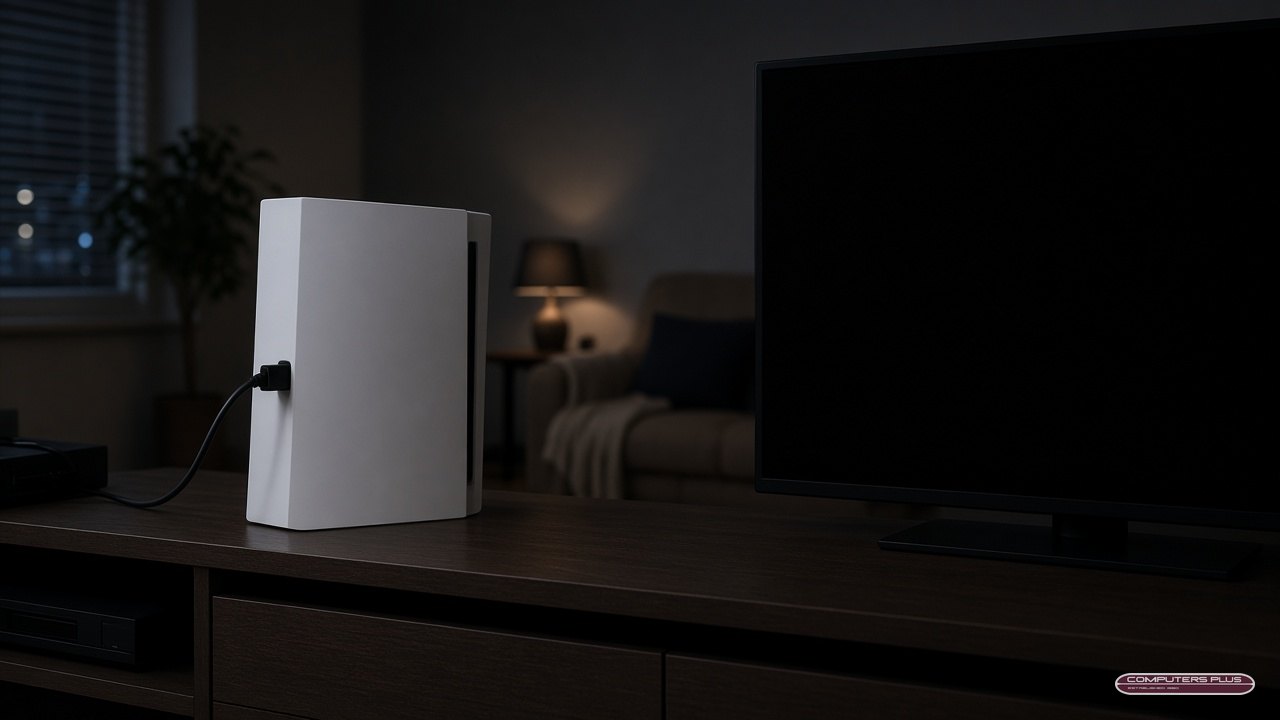
The console light comes on, maybe you hear it, but the TV shows “no signal” or a black screen.
Try these at home first:
- Check the TV input. Make sure the TV is on the same HDMI input the PlayStation is plugged into.
- Swap the HDMI cable. Try a different cable you know works.
- Try another HDMI port on the TV, or a different TV.
- Connect directly. Take any sound bar, switch or receiver out of the chain and plug the console straight into the TV.
When it’s probably the HDMI port: If none of those help, power the console off, unplug it, and look at its HDMI port. A port that’s loose, bent, pushed in, or won’t hold the cable snugly is a common reason for no picture. It often happens when a console is moved with the cable still attached, or the cable gets pulled or tripped over.
What we do: We replace damaged PlayStation HDMI ports. Our pricing page lists PlayStation HDMI port replacement at $199. Prices are subject to change, and final pricing is determined after diagnosis.
Problem 2: Overheating, loud fans and shutdowns
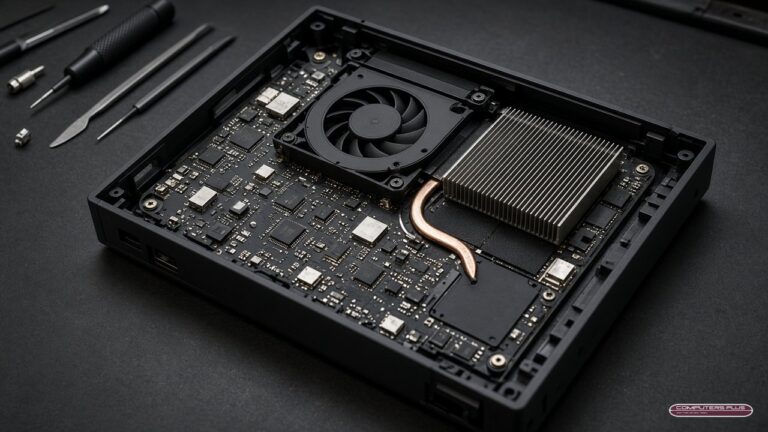
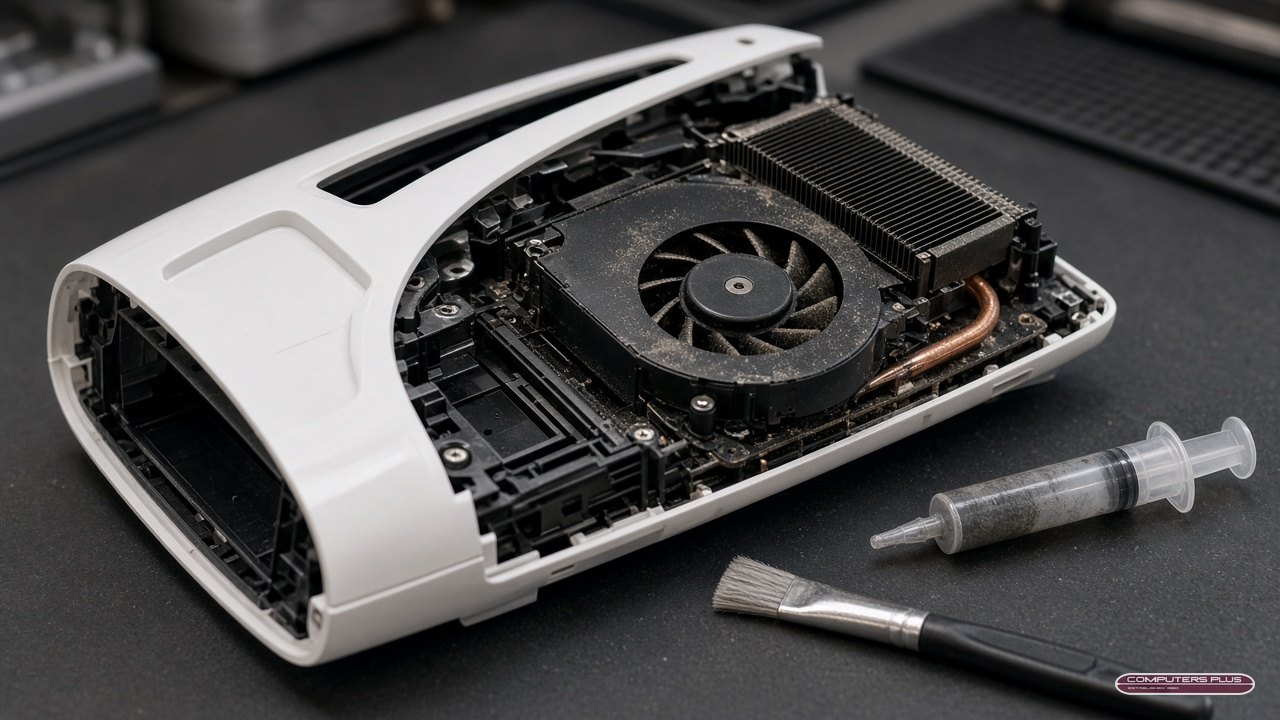
Consoles depend on airflow and good heat transfer. Over time, dust collects inside, and the thermal compound between the processor and its cooler can dry out. That can lead to loud fans, a console that’s hot to the touch, or shutdowns in the middle of a game.
Try these at home first:
- Give it space. Keep the vents clear and don’t stack things on or around the console.
- Keep it out of enclosed cabinets and away from heaters or direct sun.
- Dust the outside vents gently with a soft, dry brush. Don’t open the console yourself or push anything into the vents.
What we do: Our thermal service includes internal dust cleaning, fresh thermal compound application and a thermal performance inspection. It’s listed on our pricing page as a $40 add-on for PlayStation or Xbox. If your console is overheating or shutting down, we’ll diagnose it before recommending a repair.
Problem 3: No power at all
No light, no sound? Try a different wall outlet, check that the power cable is fully seated on both ends, and skip the power strip for a test. If it’s still not powering on, bring it in so we can diagnose it and quote the repair. No repair work is performed until you approve the quoted price.
How to help prevent HDMI port damage
A damaged HDMI port is one of the most avoidable console repairs. A few habits help:
- Unplug the HDMI cable before you move the console, even if you’re only sliding it across the TV stand.
- Leave some slack in the cable so it isn’t pulling on the port at an angle.
- Route cables away from walkways where someone could trip over them or a pet could tug on them.
- Plug in straight and gently. Don’t force the connector or wiggle it side to side.
- If you take your PlayStation to a friend’s house, pack the cable separately instead of leaving it attached.
The same tips help with an Xbox, too.
Which PlayStation models do you repair?
We service PS4 and PS5 consoles, including HDMI port replacement and thermal service.
What to expect at drop-off
All repairs are handled in store. No appointment needed. Just bring your console to 301 RHL Boulevard Suite 2, Charleston, WV 25309, Monday through Friday, 9 AM to 5 PM.
Bring:
- Your PlayStation and its power cable.
- The HDMI cable you’ve been using, especially for a no-picture problem.
- A controller, if the problem involves one.
- A short description of what’s happening and when it started.
Then:
- Diagnosis and quote. We’ll find the problem and quote the repair. Nothing is done until you approve the price.
- Repair. Most repairs are completed within 3–5 business days after diagnostic approval and parts availability. Some gaming system repairs may require additional time.
- Pick up. Online tracking is coming soon on our Track My Repair page. Until then, call with your name or ticket number for an update.
Back to game night
See more on our Xbox & PlayStation repair page and current prices on our pricing page. Have an Xbox with similar trouble? Read Xbox repair in Charleston. Questions before you come in? Call 304.744.1832.